
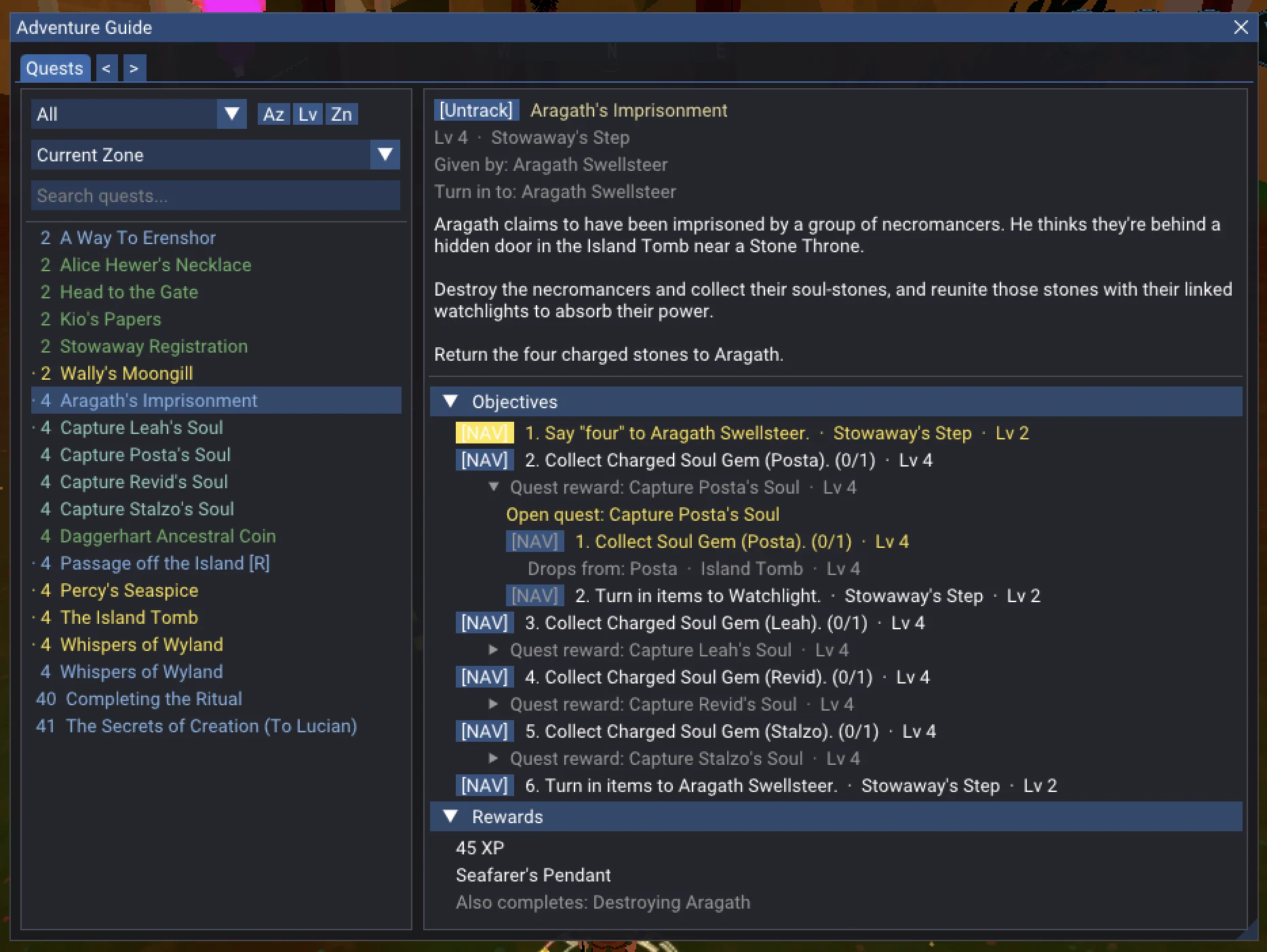
Adventure Guide
In-game quest companion with GPS navigation. 170+ quests with walkthroughs, item sources, and world markers. Click any step, follow the arrow.
Mod listing: Erenshor Vault
Erenshor VaultBepInEx download: Thunderstore
ThunderstoreInstall mods in-game with Lunaris and Erenshor Vault, or use Thunderstore with BepInEx.
Recommended for most players
Use Lunaris from Erenshor's main menu to browse, install, and update mods without leaving the game.
Download LunarisUsing BepInEx? Choose a Thunderstore link below.
Download Lunaris, then extract winhttp.dll next to Erenshor.exe.
Launch Erenshor and open Lunaris from the icon on the main menu.
Find the mod in Lunaris, then select Install.
Install through Lunaris, or use Thunderstore if you run BepInEx.
In-game quest companion with GPS navigation. 170+ quests with walkthroughs, item sources, and world markers. Click any step, follow the arrow.
Mod listing: Erenshor Vault
Erenshor VaultBepInEx download: Thunderstore
ThunderstoreCompanion mod for the interactive world map. Live tracking of all characters — player, SimPlayers, NPCs, enemies, and pets — right in your browser.
Mod listing: Erenshor Vault
Erenshor VaultBepInEx download: Thunderstore
ThunderstoreHold Shift to run faster. Configurable sprint key with adjustable speed from subtle to ludicrous. No stamina, no cooldowns, just speed.
Mod listing: Erenshor Vault
Erenshor VaultBepInEx download: Thunderstore
ThunderstoreExtends F7 Hide UI to also hide nameplates, damage numbers, target rings, XP orbs, cast bars, and loot prompts.
Mod listing: Erenshor Vault
Erenshor VaultBepInEx download: Thunderstore
ThunderstoreWith Erenshor running, open the interactive world map and enable Live Mode in the sidebar. Your character, SimPlayers, NPCs, enemies, and pets will update in real time.